Figma Make – a high-fidelity prototype generation AI tool launched by Figma
What is Figma Make?
Figma Make is an AI-driven “prompt-to-app” tool launched by Figma, designed to help designers and developers quickly transform ideas into high-fidelity prototypes and interactive applications. Users can provide natural language descriptions or upload sketches, and Figma Make generates design frameworks and interactive elements. It supports importing design systems from the Figma library to ensure that generated designs remain consistent with existing styles. Users can edit and fine-tune AI-generated content in real time, including copy, images, and layouts. Generated prototypes can be showcased and, by connecting to tools like Supabase, converted directly into deployable web applications without writing code. Figma Make integrates seamlessly with other Figma products, such as Figma Sites, further improving design and development efficiency.
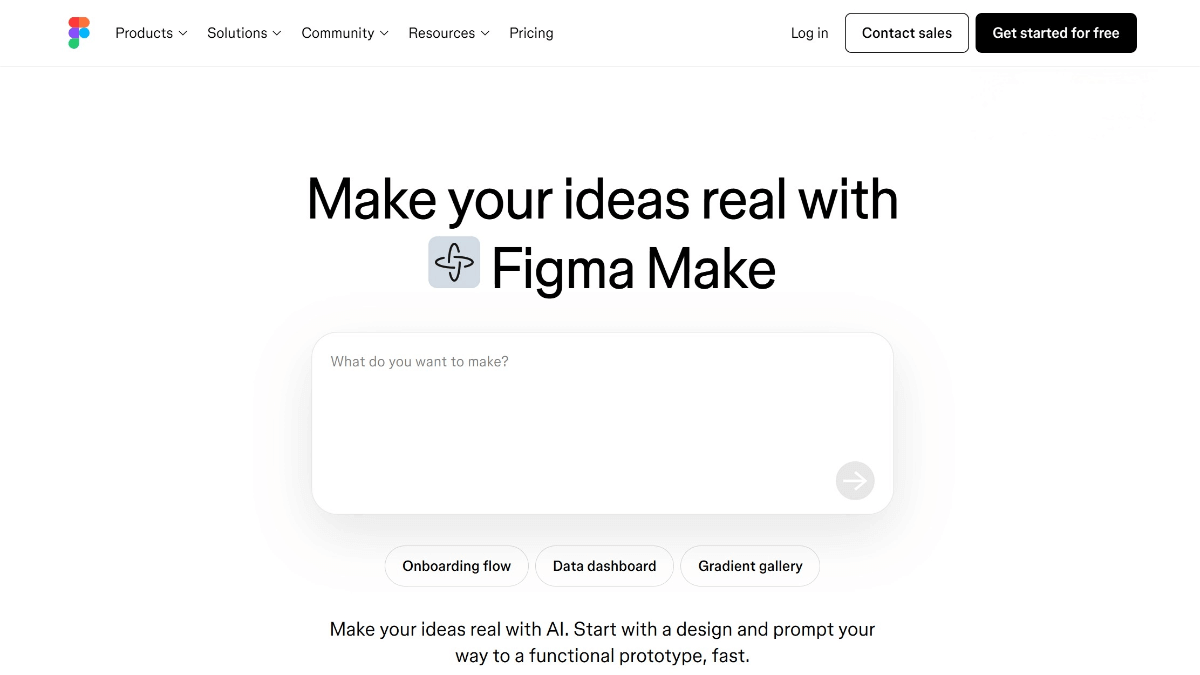
Key Features
Creative Exploration:
Provides a flexible creative space where users can explore bold and unconventional ideas, quickly generating high-fidelity prototypes that help teams better understand design visions.
Maintain Design Consistency:
By adding style context from Figma libraries, users can ensure AI-generated designs are visually consistent with existing design systems. Custom rules or frameworks can guide the generation process.
AI-Assisted Design:
Users can apply AI prompts to parts of their design to alter appearance. The AI can also provide guidance if users are unsure how to design or implement code.
Edit and Fine-Tune AI Outputs:
Directly edit generated content, including rewriting copy, replacing images, and adjusting spacing. Previews can be copied as design layers into Figma Design for further iteration.
Build Apps with Real Data:
Connect Figma Make to Supabase to quickly convert designs into deployable web applications without coding. Features such as user authentication, data storage, and private API connections are supported.
Seamless Collaboration with Other Figma Products:
Integrates with Figma Sites and other products to customize websites, test interactions, and deploy. Users can select any framework in Figma Sites and quickly generate content with Figma Make.
How to Use Figma Make
-
Access the Platform: Visit Figma Make or Figma’s website and select Figma Make.
-
Create a New File: Start a new design file in Figma Make.
-
Input Description or Upload Sketch: Provide text descriptions or upload sketches to define design requirements.
-
Import Design System: Import design systems from Figma libraries to maintain style consistency.
-
Generate Design: Click the generate button to quickly produce a design prototype.
-
Edit and Adjust: Edit copy, replace images, and adjust layouts in the generated prototype.
-
Connect Data Sources: Connect to Supabase or other data sources to convert the design into an interactive web app.
-
Share and Collaborate: Share prototypes with team members or clients for collaboration and feedback.
-
Export Code: Convert designs into deployable code for development teams.
Applications of Figma Make
Rapid Design Validation:
Quickly turn ideas into visual high-fidelity prototypes to validate design concepts.
Interactive Prototype Generation:
Create prototypes with real interaction functionality to better understand and showcase user experience.
Design-Development Collaboration:
Rapidly convert designs into working code for developers to use or optimize, improving collaboration efficiency.
Marketing Page Creation:
Generate marketing or demo pages quickly without waiting for developers, saving time and resources.
Web Application Development:
Connect to Supabase or other data sources to turn designs into fully functional web applications, providing an end-to-end design-to-development workflow.
Custom Website Design:
Combine with Figma Sites to quickly customize, test website interactions, and publish updated versions.
Education and Training:
Help students and beginners quickly get started in design, understand workflows, and learn interaction concepts.
© Copyright Notice
The copyright of the article belongs to the author. Please do not reprint without permission.
Related Posts



No comments yet...